Fujitsu ScanSnap iX1400
By Brian Long
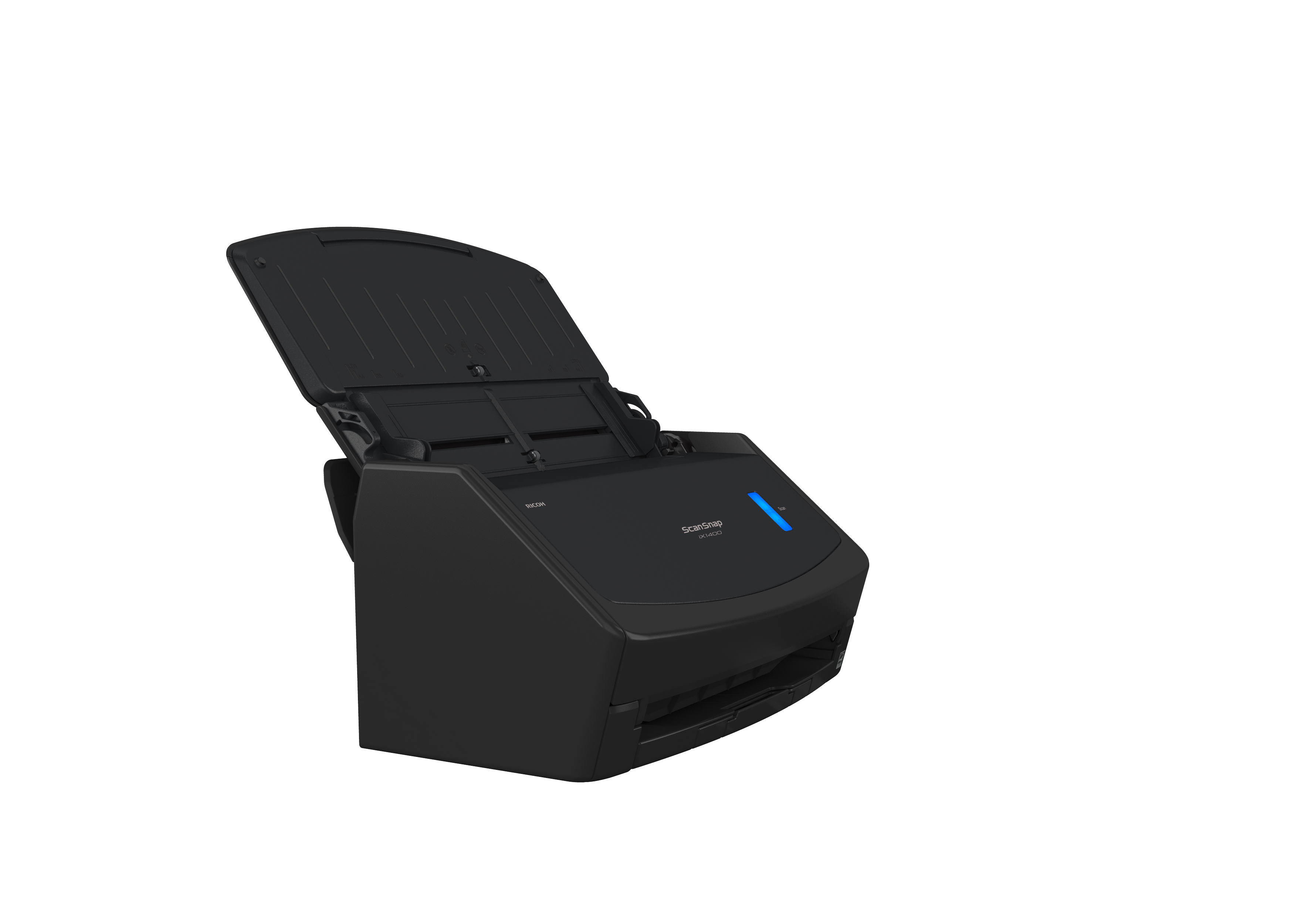
Fujitsu ScanSnap iX1400: Simple, Reliable, and Powerful
The Fujitsu ScanSnap iX1400 is perfect for those who want effortless, high-quality scanning without unnecessary complexity. Designed with a single-button operation, this scanner offers seamless performance, making it easy to digitize your documents with speed and precision.
Whether for home, school, or office use, the iX1400 delivers professional-grade image quality and supports a wide range of paper types, from receipts to legal-size documents. Its robust build ensures long-lasting performance, while its compact size fits neatly into any workspace.
Features
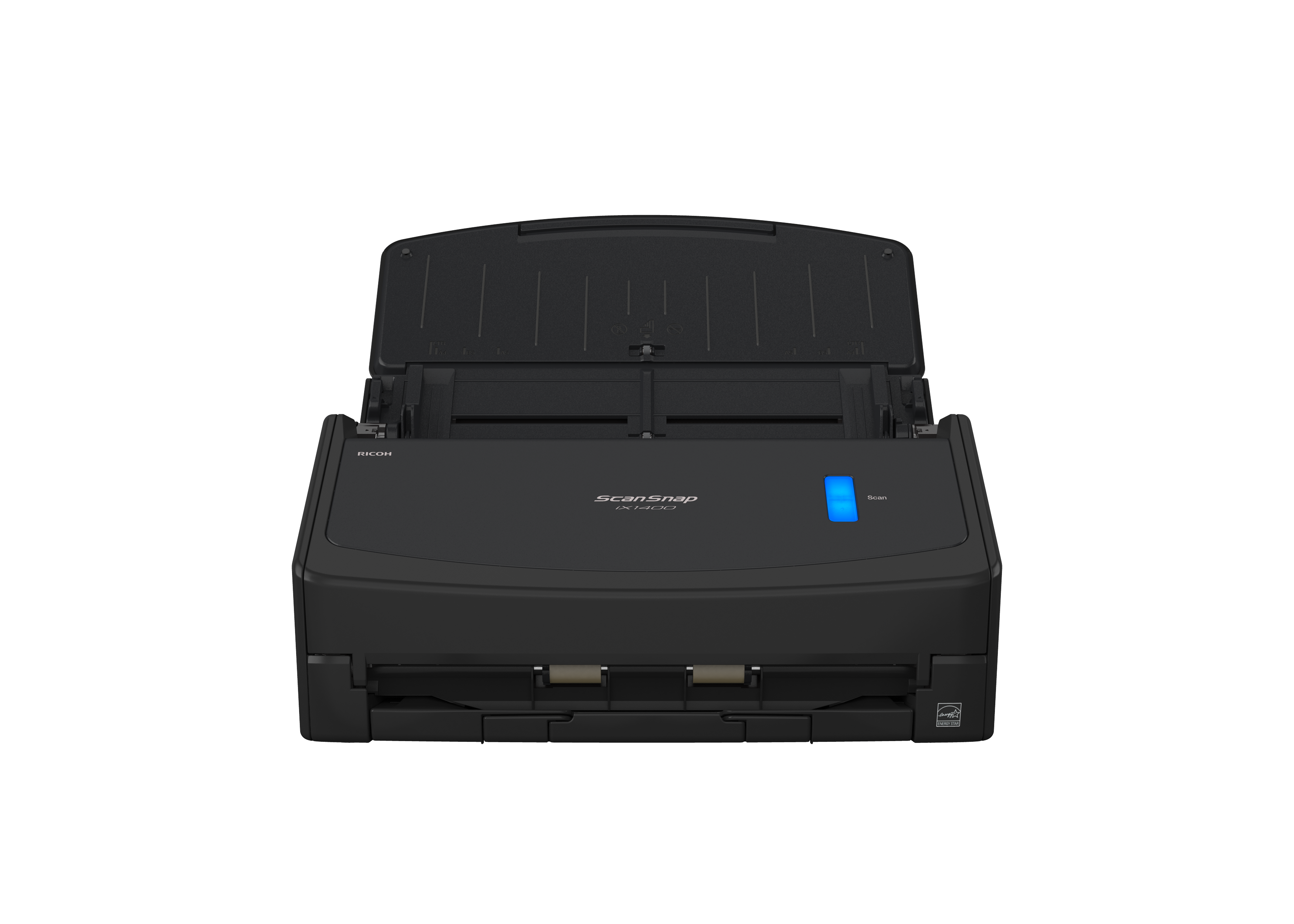
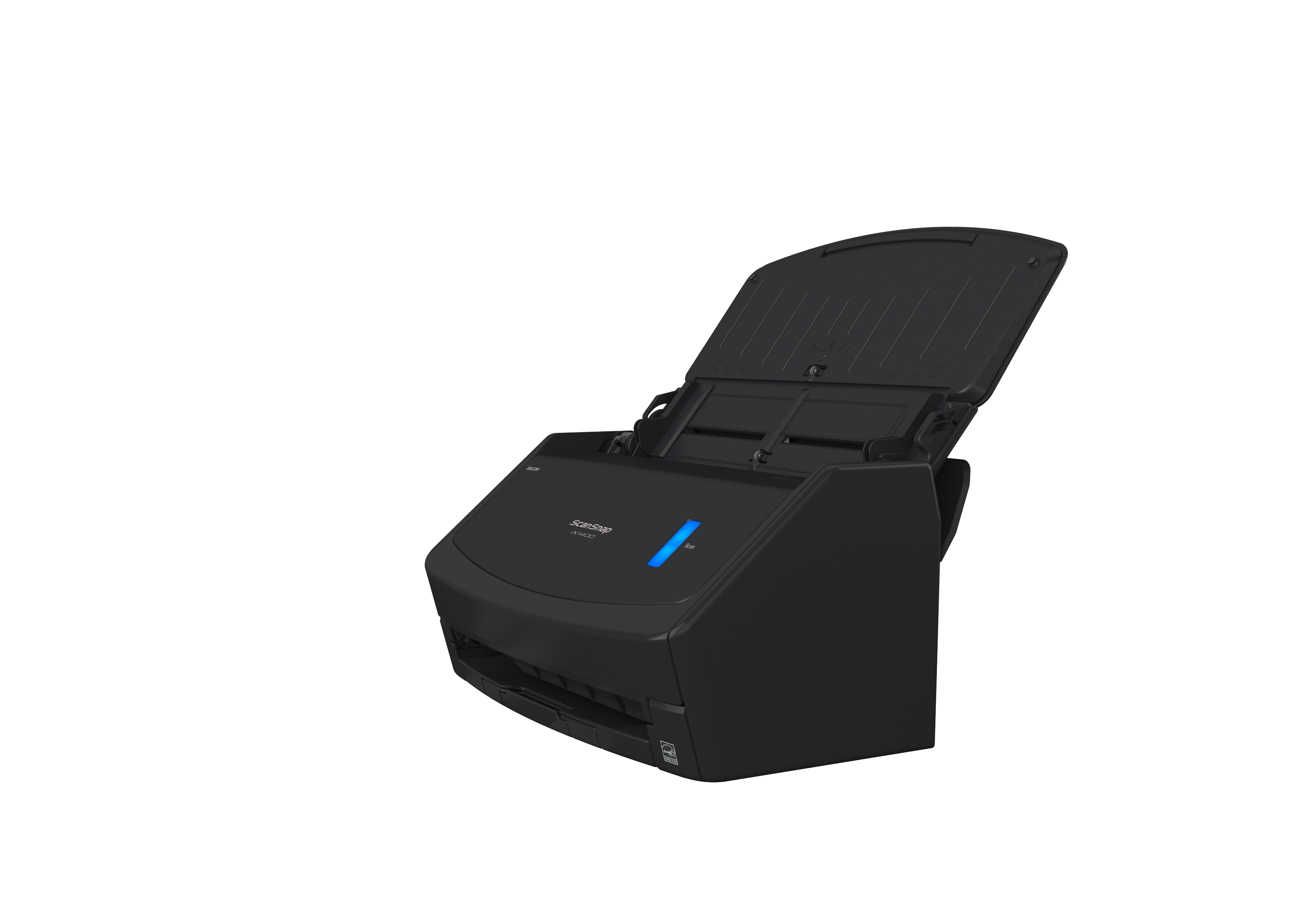
Key Features of the Fujitsu ScanSnap iX1400
- One-Touch Simplicity: Single-button scanning for easy operation.
- Fast and Efficient: Scans up to 40 pages per minute (ppm), making quick work of large stacks of paper.
- High-Quality Scanning: Produces clear, accurate scans with advanced image processing.
- Paper Versatility: Supports various document types, including business cards, receipts, and legal-size paper.
- Compact and Space-Saving: Small footprint for convenient placement in any workspace.
- USB Connectivity: Reliable connection to your PC or laptop for hassle-free operation.
- Quiet Operation: Minimizes noise for use in shared or quiet environments.
- Eco-Friendly Design: Energy-efficient technology to reduce power consumption.
Specifications
Technical Specifications
| Feature | Details |
|---|---|
| Scanning Speed | Up to 40 pages per minute (ppm) |
| Max Document Size | 8.5" x 14" (legal size) |
| Min Document Size | 2" x 2" |
| Optical Resolution | Up to 600 dpi |
| Duplex Scanning | Yes |
| Connectivity | USB 3.2 |
| Supported OS | Windows, macOS |
| Dimensions | 11.5" x 6" x 6.3" |
| Weight | 7.5 lbs |
| File Output Formats | PDF, JPEG, searchable PDF, and more |
Manuals and Documents
Manuals and Documents
- Product Datasheet - Detailed specifications and features of the ScanSnap iX1400.
- Quick Start Guide, User Manual, and Warranty Information - Access setup guides, advanced feature instructions, and warranty terms.